Spaced Linux Dark
The default Spaced identity: a monochrome dark theme, matching icons, and the signature single bottom panel.
 SPACED LINUX
COORDINATED DESKTOP THEMES
Each Spaced Linux theme changes the whole environment at once: the GTK theme, icons, folder colors, wallpaper, panel layout, and optional dock. Pick one and the desktop moves together — no fragile pile of unrelated tweaks.
THE THEME COLLECTION
Real, switchable desktop sessions — not static mockups. Every theme runs on the live system and applies through the coordinated theme switcher.
The default Spaced identity: a monochrome dark theme, matching icons, and the signature single bottom panel.
The light companion to the default look, keeping the same clean single-panel layout and monochrome styling.
A macOS-inspired look with a top panel, a rounded dock, and blue folder accents.
A nostalgic 3.11-era look with classic bluegrey styling and the familiar bottom panel.
The familiar XP experience: blue accents, the classic taskbar-style bottom panel, and a friendly workspace.
A Mint-inspired identity with a dark theme, green folder accents, and coordinated icons.
A modern Windows 11-inspired light look with blue accents and a clean, contemporary panel.
The dark Windows 11-inspired look with deep blue panel tones and a moody, modern palette.
A homage to the classic GEOS/GeoWorks desktop environment with a distinctive bluegrey palette.
An Android-inspired teal theme with a top panel, a dock, and a dark, modern palette.
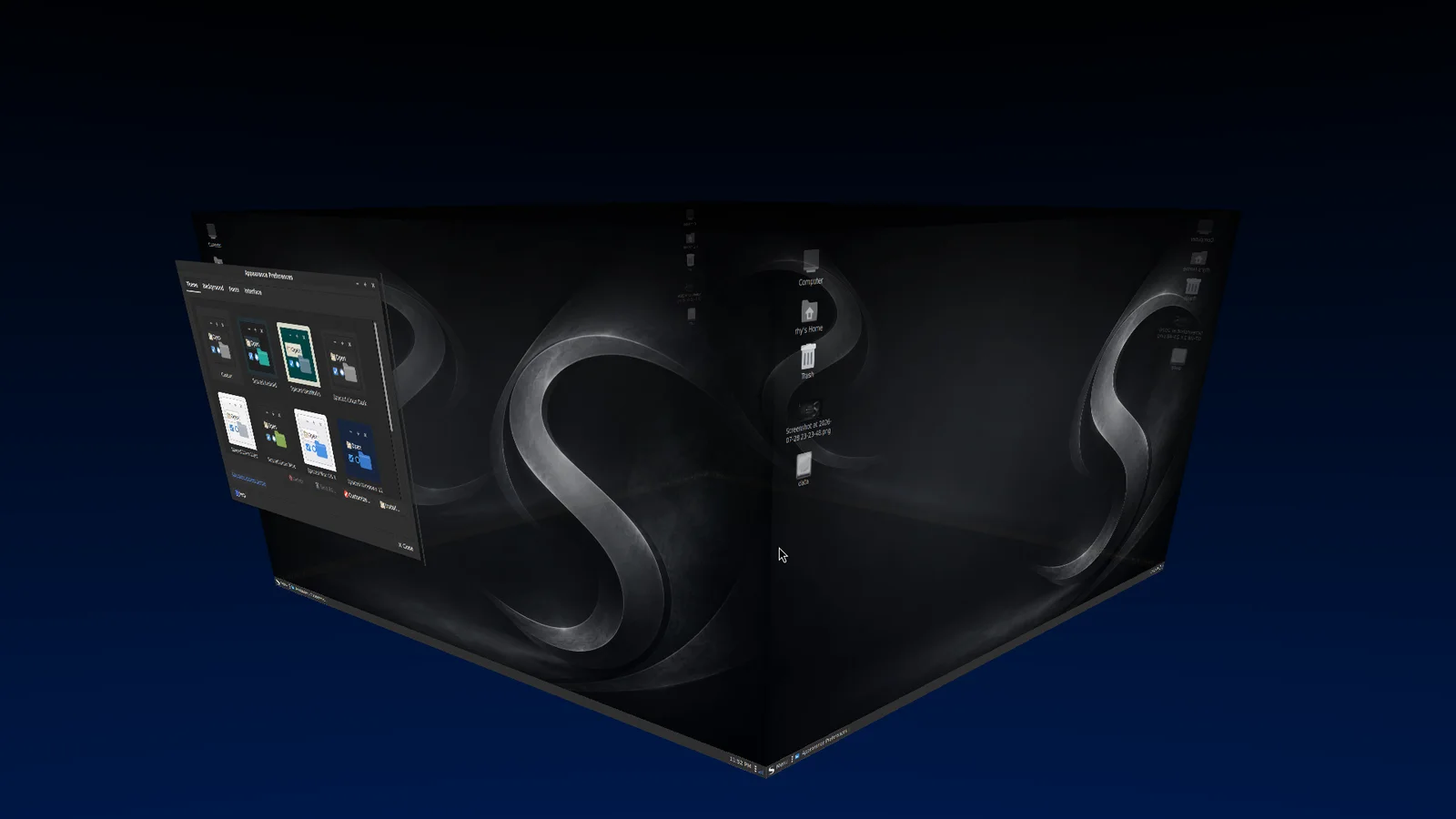
ONE CHOICE, COMPLETE COORDINATION
Choose a GTK theme and the Spaced theme watcher resolves it to a full look: folder colors, wallpaper, panel layout, panel position, and the optional dock all update together.
Compiz window effects, workspace behavior, and accessibility features stay consistent across every theme.
See Spaced Linux in action →READY FOR MORE SPACE?